

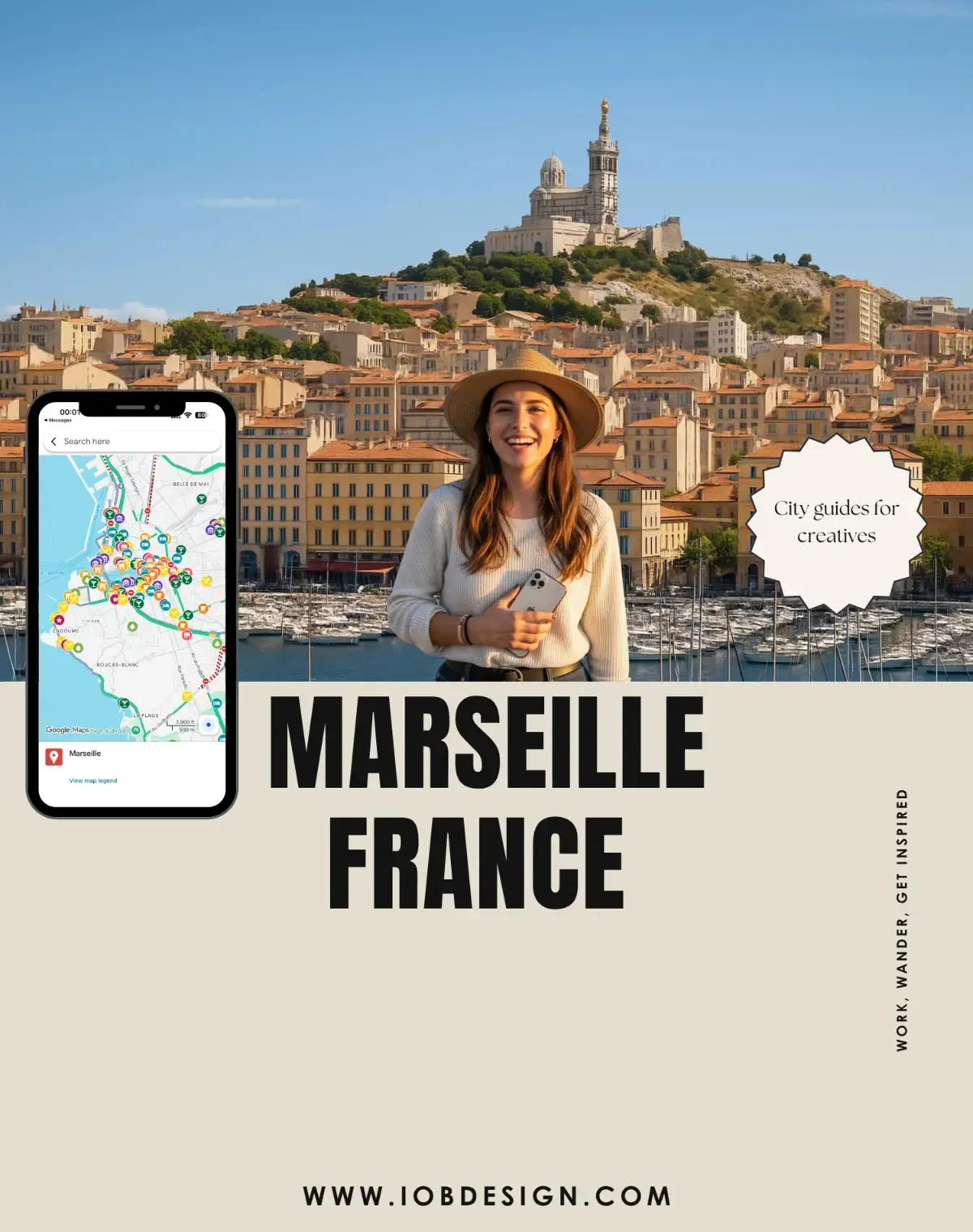
 Image 1 of 5
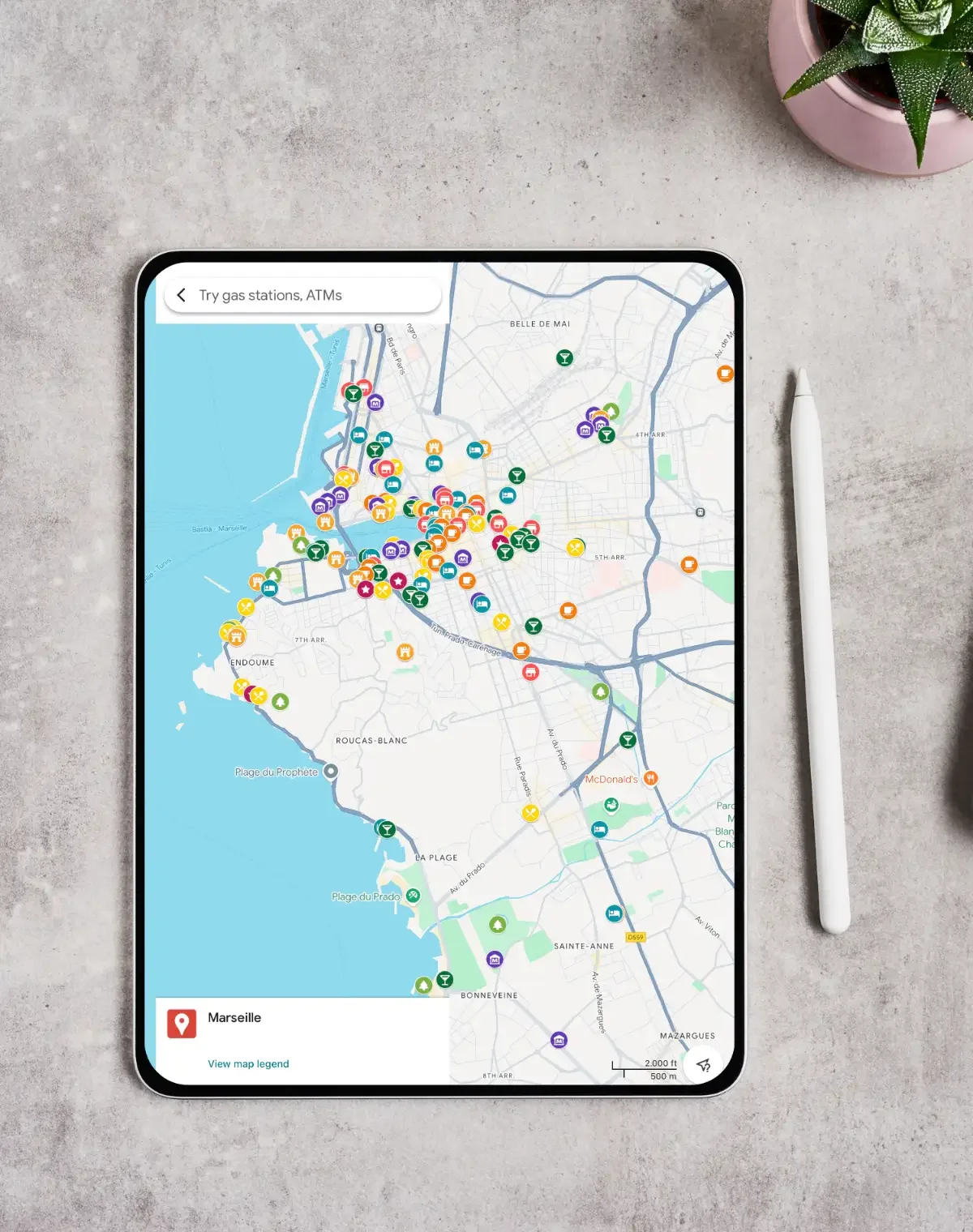 Image 2 of 5
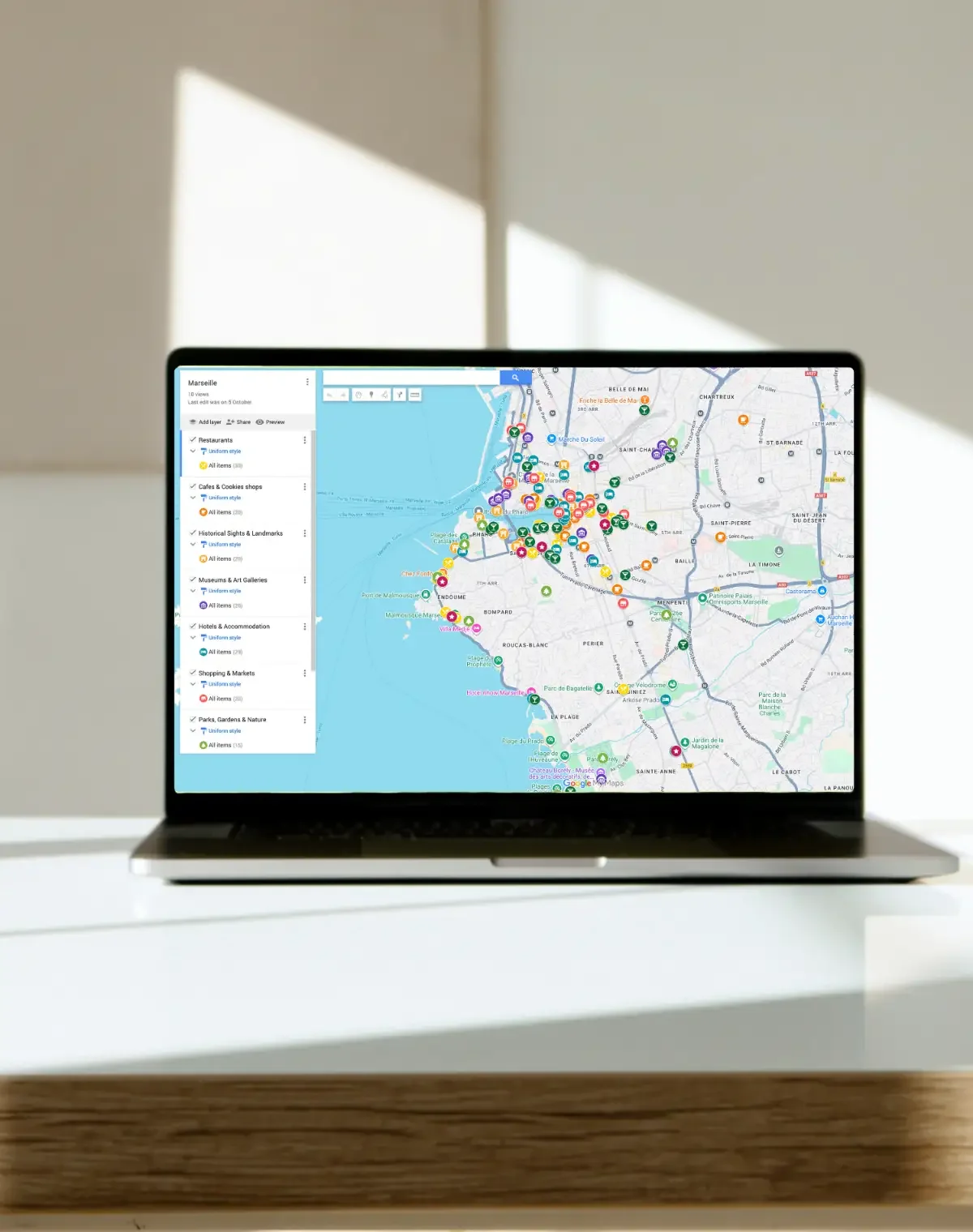 Image 3 of 5
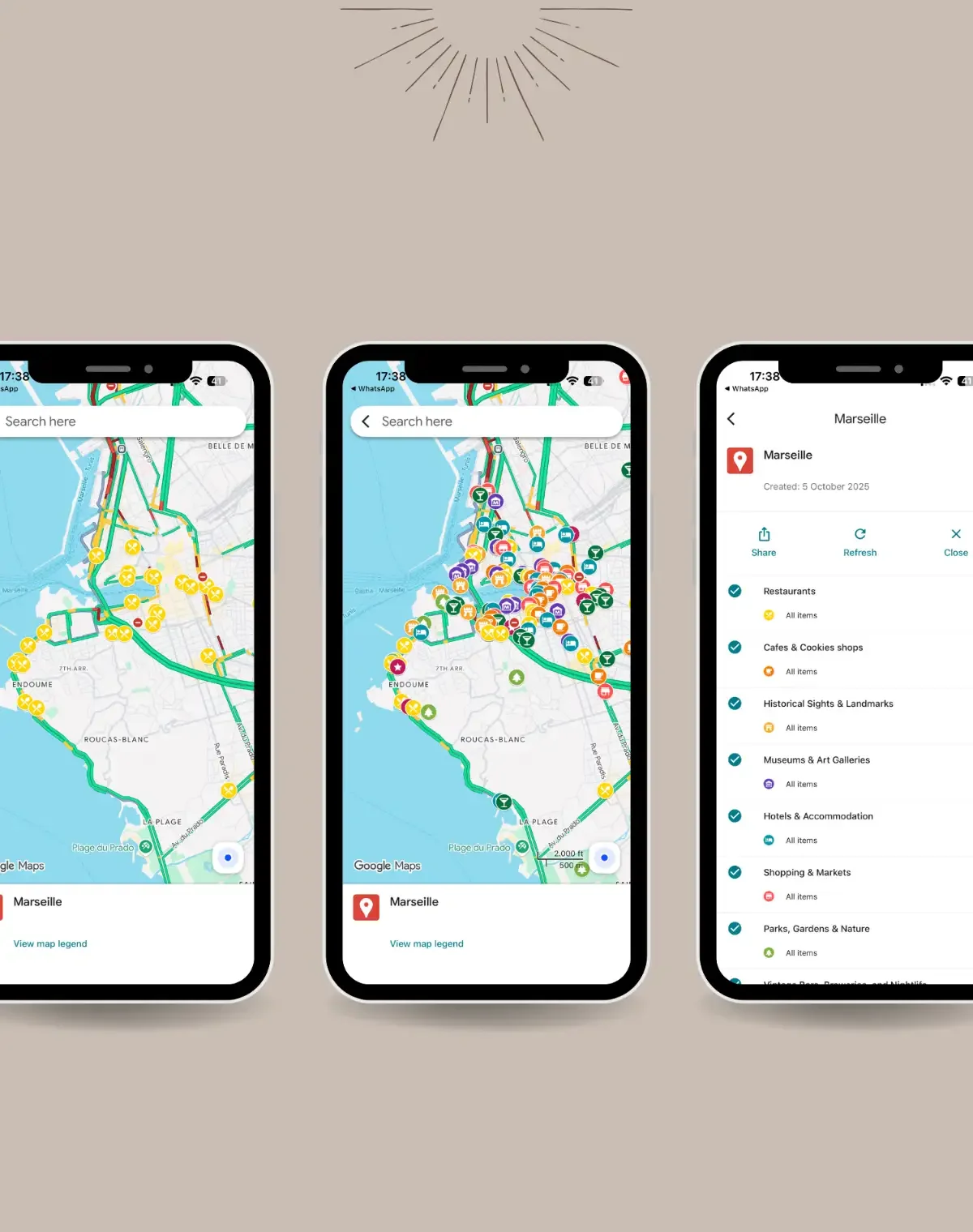 Image 4 of 5
 Image 5 of 5
Features & Benefits
Interactive Map: Explore Marseille with zoom, scroll, and clickable pins.
Curated for Creatives: Discover museums, galleries, cafés, architecture, and coastal landmarks.
Cross-Device Access: Works on phone, tablet, and laptop—anywhere, anytime.
Save Favorites: Pin and save locations to your personal Google Maps.
Step-by-Step Directions: Get walking, cycling, transit, or driving directions instantly.
Verified & Updated Locations: Curated for accuracy; always confirm details locally.
Inspiration at a Glance: Highlights architecture, history, festivals, and local culture.
Eco-Friendly Digital Access: Fully digital; no paper waste.
How It Works
Open the Map: Click the link to launch the interactive map on your device.
Explore Neighborhoods: Zoom in/out and navigate Marseille’s districts and coastline with swipe or scroll.
Filter Categories: Switch between museums, cafés, galleries, and viewpoints on the side panel.
Save Favorites: Click a pin and save it to your Google Maps (“Starred” or “Want to go”).
Get Directions: Tap a pin, set your starting point, and follow the route step-by-step.
Use Cases / Inspiration
Creative Travel: Artists, designers, and photographers find visual inspiration across Marseille’s old town and modern icons.
Cultural Exploration: Visit the Vieux-Port, Le Panier, MUCEM, and Basilique Notre-Dame de la Garde.
Nature & Adventure: Hike the Calanques National Park or enjoy the Mediterranean views.
Personalized Travel: Build your own itinerary with saved favorite spots.
Educational Trips: Ideal for students exploring art, architecture, and coastal urban design.
Technical Details / Specifications
Population / City Basics: ~870K city / ~1.6M metro
Area: ~241 km² / ~93 mi²
Architecture Styles: Historic port, bold modern icons
Languages: French
Currency: EUR
Time Zone: CET/CEST
Getting Around: Metro, tram, bus
Best Time to Visit: April–June & September–October
Notable Architects: Le Corbusier, Fernand Pouillon
Device Compatibility: Desktop, tablet, smartphone
Map Data & Ownership: Powered by Google Maps; iOb Design curated locations
FAQ
-
Yes, it works on phones, tablets, and desktops.
-
Yes, locations are curated for accuracy, though local details may change.
-
Yes, add them to your own Google Maps under “Starred” or “Want to go.”
-
Absolutely, it covers both popular attractions and hidden gems.
-
Yes, to save your favorite spots.
Open the Inspire Map and wander through the city’s ports, galleries, cliffs, and cafés.