

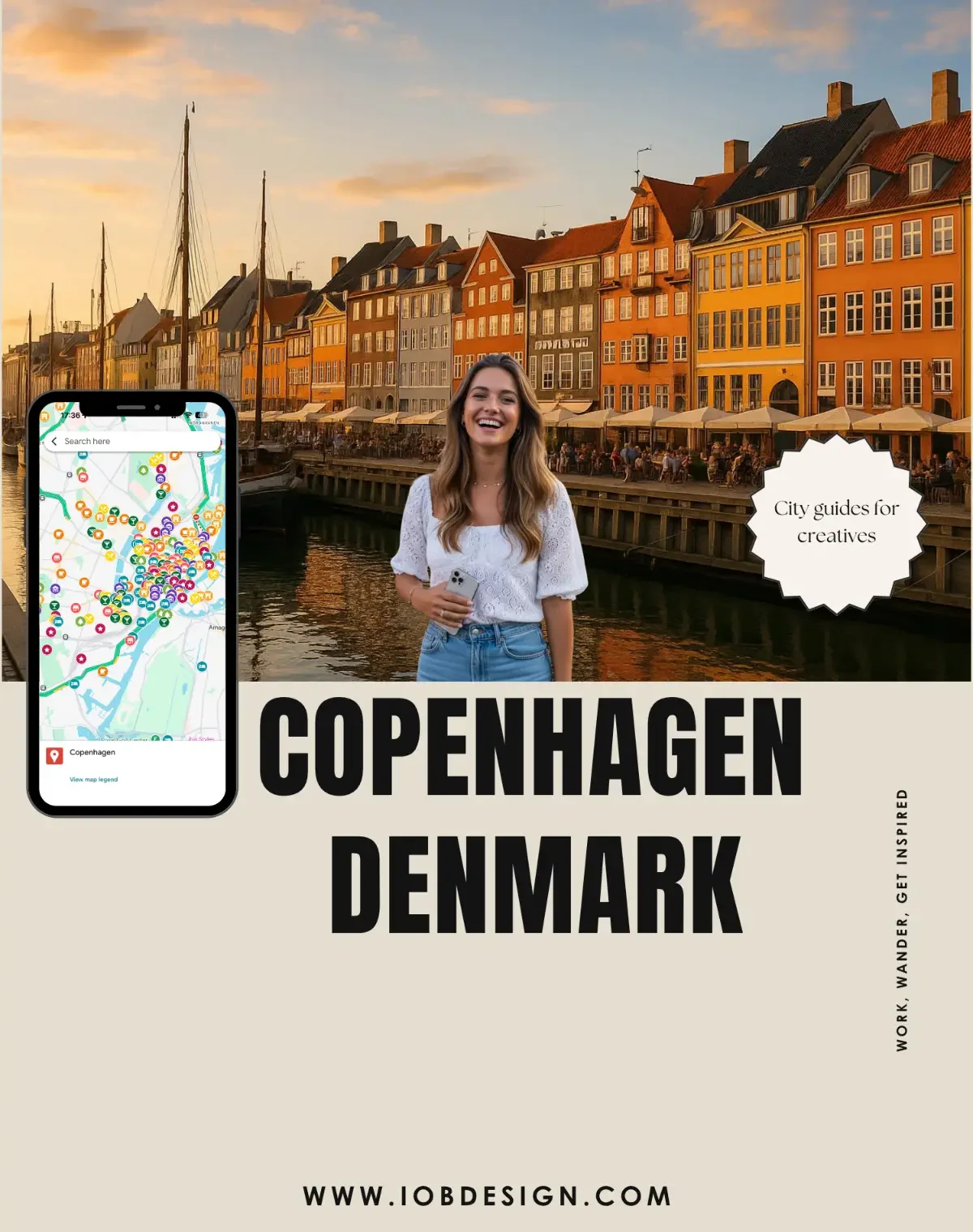
 Image 1 of 5
 Image 2 of 5
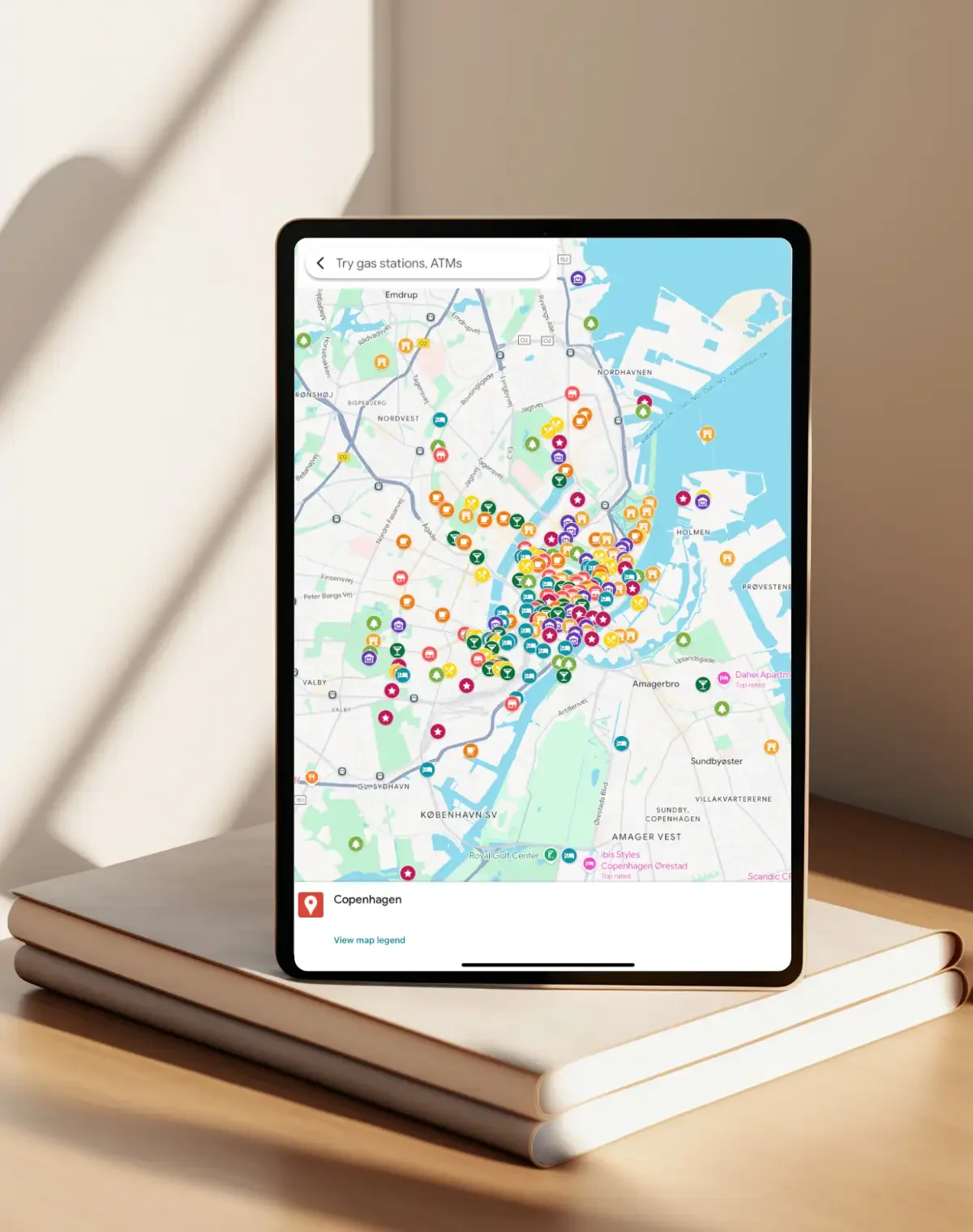 Image 3 of 5
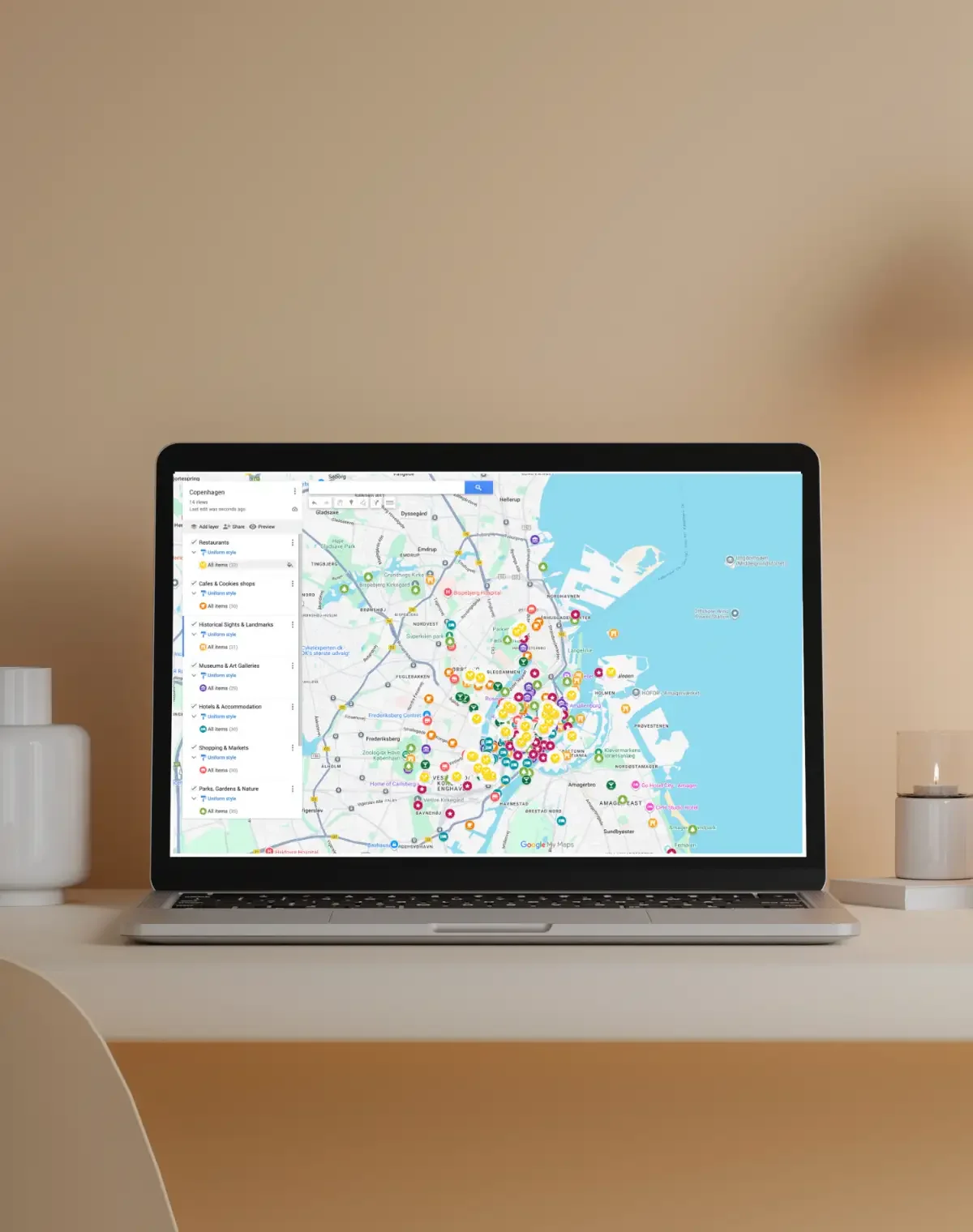 Image 4 of 5
 Image 5 of 5
Features & Benefits
Interactive Google Map: Discover Copenhagen’s highlights with zoom, scroll, and clickable pins.
Creative Discovery: Explore cafés, museums, studios, and neighborhoods loved by locals.
Cross-Device Access: Works on mobile, tablet, and desktop — no app required.
Save Favorites: Pin and save locations directly to your personal Google Maps.
Instant Directions: Get step-by-step routes for walking, biking, or public transit.
Verified Locations: Each spot is curated with care; confirm details locally.
Design & Culture Focused: Perfect for those drawn to architecture, art, and minimalist aesthetics.
Eco-Friendly Digital Access: Fully digital, no print needed.
How It Works
Open the Map: Click the link to launch your digital Inspire Map.
Explore Freely: Zoom in/out and navigate effortlessly through Copenhagen’s creative districts.
Filter by Interest: Toggle categories like Cafés, Museums, Galleries, or Landmarks.
Save Favorites: Click a pin and mark it as “Starred” or “Want to Go.”
Get Directions: Choose a location → tap “Directions” → set your route.
Use Cases / Inspiration
Creative Travel: Ideal for photographers, designers, and digital nomads seeking inspiration.
Cultural Exploration: From Tivoli Gardens to contemporary galleries — explore it all.
Local Lifestyle: Experience Copenhagen’s sense of hygge through cozy cafés and cycling paths.
Architectural Walks: Trace the city’s balance of history and modern Scandinavian design.
Study & Research Trips: Great for art and architecture students exploring Nordic creativity.
Technical Details / Specifications
Population / City Basics: ~655k city / ~1.4M metro
Area: ~86 km² / ~33 mi²
Architecture Styles: Modern, Neoclassical, Nordic minimalism
Languages: Danish; Currency: DKK; Timezone: CET/CEST
Getting Around: Metro, bike, walk, ferry
Best Time to Visit: May–September
Device Compatibility: Desktop, tablet, smartphone
Map Data & Ownership: Powered by Google Maps; curated by iOb Design
FAQ
-
Yes! The Inspire Map works seamlessly on smartphones, tablets, and desktop computers. You don’t need to download any app — just open the link in your browser and start exploring.
-
A Google account is only required if you want to save your favorite locations or create a personalized itinerary. Otherwise, you can freely view and navigate the map without signing in.
-
Yes, all locations are carefully curated and reviewed by iOb Design. However, details such as opening hours, prices, or access may change, so we recommend confirming information locally before visiting.
-
Absolutely! You can pin locations to your Google Maps (“Starred” or “Want to Go”) and build your own personalized itinerary for walking, cycling, driving, or public transit.
-
Yes! The map is designed for easy navigation, with clear categories, step-by-step directions, and an intuitive interface, making it perfect for first-time visitors to Copenhagen.
Start exploring Copenhagen today! Open the Inspire Map and uncover the creative pulse of Denmark’s capital — from iconic canals to modern design hubs.