

 Image 1 of 5
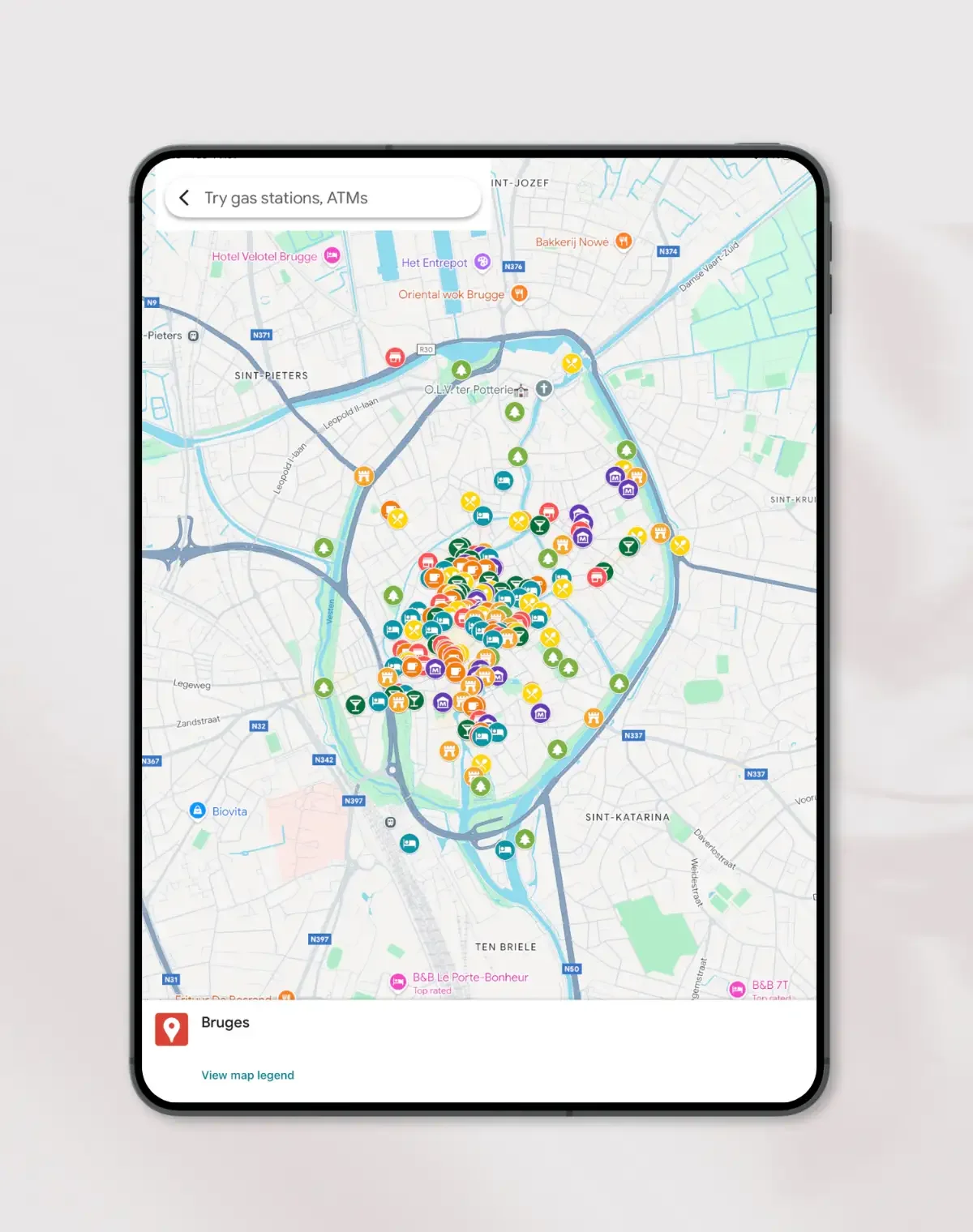 Image 2 of 5
 Image 3 of 5
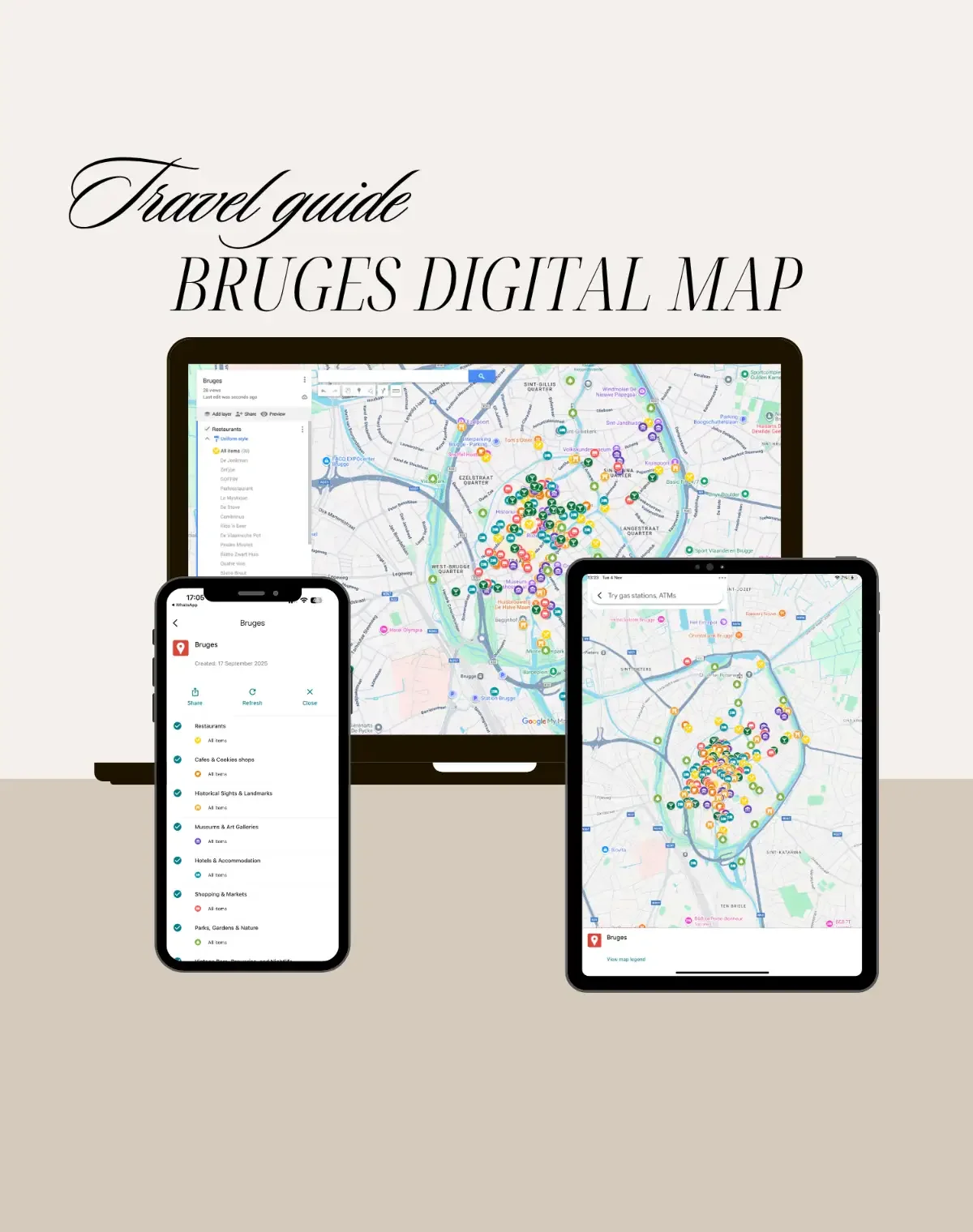 Image 4 of 5
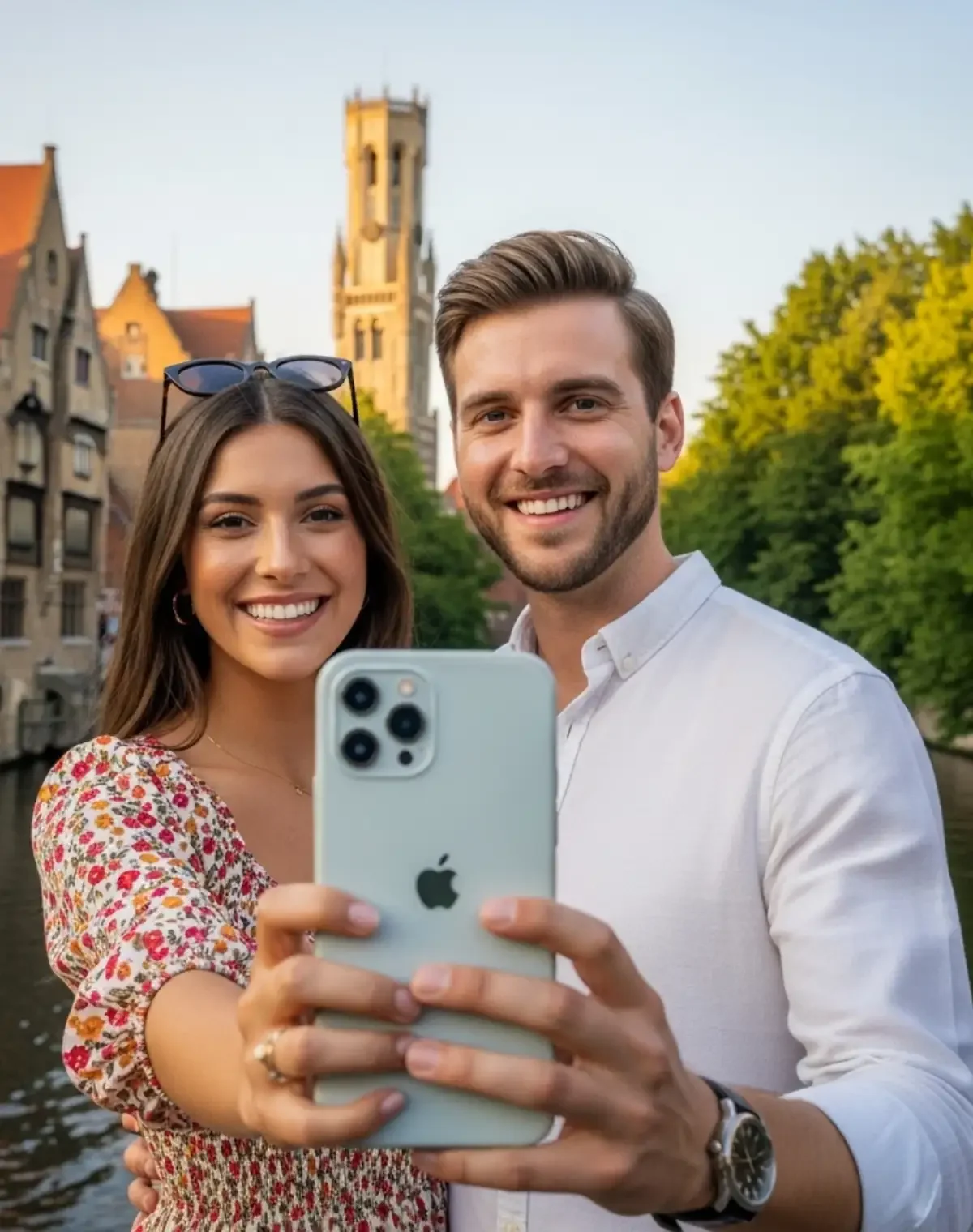 Image 5 of 5
Features & Benefits
Interactive Google Map: Explore Bruges with zoom, scroll, and clickable pins.
Curated for Creatives: Find art studios, cafés, galleries, and inspiring city corners.
Cross-Device Access: Works on phone, tablet, or laptop—anywhere, anytime.
Save Favorites: Mark locations you love on your own Google Maps.
Step-by-Step Directions: Get walking, cycling, or driving routes instantly.
Verified & Updated Locations: Each place is reviewed for accuracy, but please confirm locally.
Inspiration at a Glance: Highlights architecture, lifestyle, and culture in one view.
Eco-Friendly Digital Access: 100% digital—no paper waste, no downloads required.
How It Works
Open the Map: Click the provided link to open the Inspire Map on your device.
Explore Bruges: Zoom, scroll, and move across canals, markets, and squares.
Filter Categories: Choose what to see—cafés, galleries, architecture, and more.
Save Favorites: Click a pin → select “Starred” or “Want to go.”
Get Directions: Tap a pin → choose your start point → follow Google’s route.
Use Cases / Inspiration
Creative Exploration: Find photogenic spots, artisan boutiques, and street details.
Cultural Discovery: Visit museums, local markets, and chocolate makers.
Weekend Escape: Perfect for slow travelers and couples discovering Bruges’ charm.
Content Creation: Great for travel bloggers, photographers, and designers.
Study & Research: Ideal for art and architecture students exploring Flemish design.
Technical Details / Specifications
Population / City Basics: ~118k city / ~120k metro
Area: ~138 km² / ~53 mi²
Architecture Styles: Gothic, Renaissance, and Medieval
Languages: Dutch (Flemish); Currency: EUR; Timezone: CET/CEST
Getting Around: Walk, bike, or take local buses
Best Time to Visit: April–September
Device Compatibility: Works on all devices (desktop, tablet, smartphone)
Map Data & Ownership: Powered by Google Maps; curated by iOb Design
FAQ
-
Yes. The Inspire Map opens directly in your browser on mobile, tablet, or computer.
-
Yes, all are checked carefully, but we recommend confirming opening hours and access locally.
-
Yes, click a pin and select “Save” to add it to your own Google Maps.
-
Absolutely. It’s easy to navigate and designed for newcomers and repeat travelers alike.
-
Yes, if you want to save locations or get directions. Otherwise, you can still browse freely.
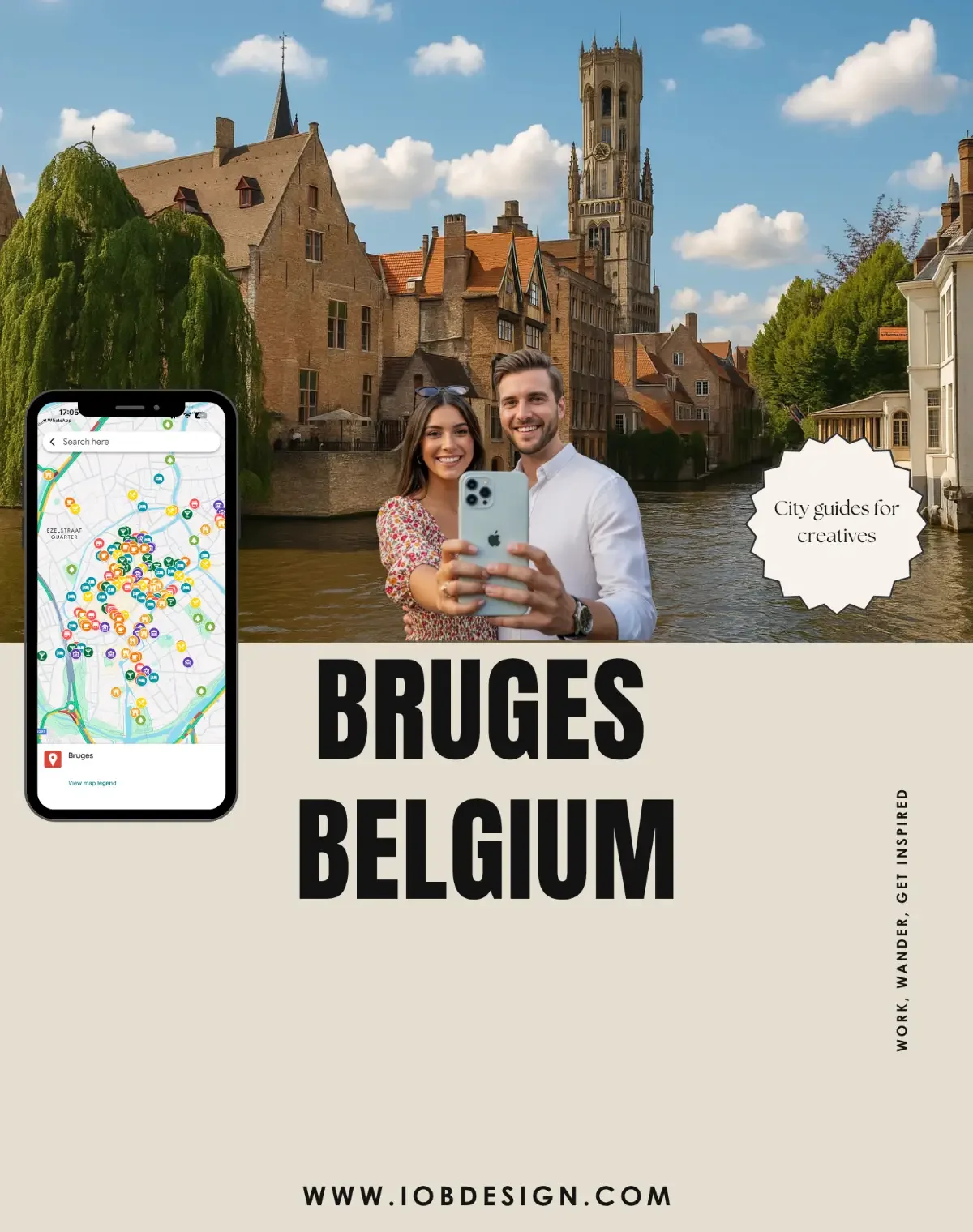
Start exploring Bruges today with Inspire Map. Walk along canals, discover hidden cafés, and capture the city’s creative spirit, right from your phone or laptop.